An AI tool can finish a hundred tasks while you’re still wondering why your day feels so full.
Some of that work may be valuable. Some may be work you never needed to do. And some may come back to you for checking, fixing or explaining. Before adding another subscription, I’d want to know which kind I was buying.
That’s why Lofty’s new AI Index caught my attention. Its November announcement puts numbers behind its productivity claims. The release page is dated November 12, 2026, although its body carries a November 16 dateline. The underlying activity covers October, not this week.
According to the October 2026 Lofty AI Index, its products completed roughly 1.13 million tasks. Lofty estimates those tasks represent 131,248 hours of manual work. Its method multiplies recorded activity by estimated minutes per task, publishing a range alongside the headline estimate.
I welcome vendors showing their math. This is company-published data about one platform, though, not an independent test of agents’ working hours or profits. The useful next step is to test the economics inside your own business.
Count the work you actually replaced
Start with one recurring job you already do: preparing a client update, organizing notes after a conversation, or drafting a weekly piece of content. Choose something frequent enough to observe several times and specific enough that you can recognize a good result.
Write down what finished means before testing the tool. For a client update, that could mean accurate facts, appropriate language, the right recipient, and a next step recorded in the client’s file. A polished draft that still needs research hasn’t reached that finish line.
Time a few comparable examples using your current process. Include gathering information, writing, checking and recording the result. Then test the assisted process on similar work. Keep the quality standard the same. Ten simple updates and ten difficult ones aren’t a fair comparison.
Keep a second category for work you weren’t doing before. If a tool creates extra social posts, those posts might extend your reach. But you haven’t recovered hours from your calendar if you never spent those hours posting. Evaluate that added output for usefulness and results instead.
Put the checking time back into the calculation
For a small trial, a plain spreadsheet is enough. Record the task, manual minutes, assisted minutes, corrections needed and whether the finished result met your standard. Assisted minutes should include your preparation, review, corrections and any extra work the tool creates elsewhere.
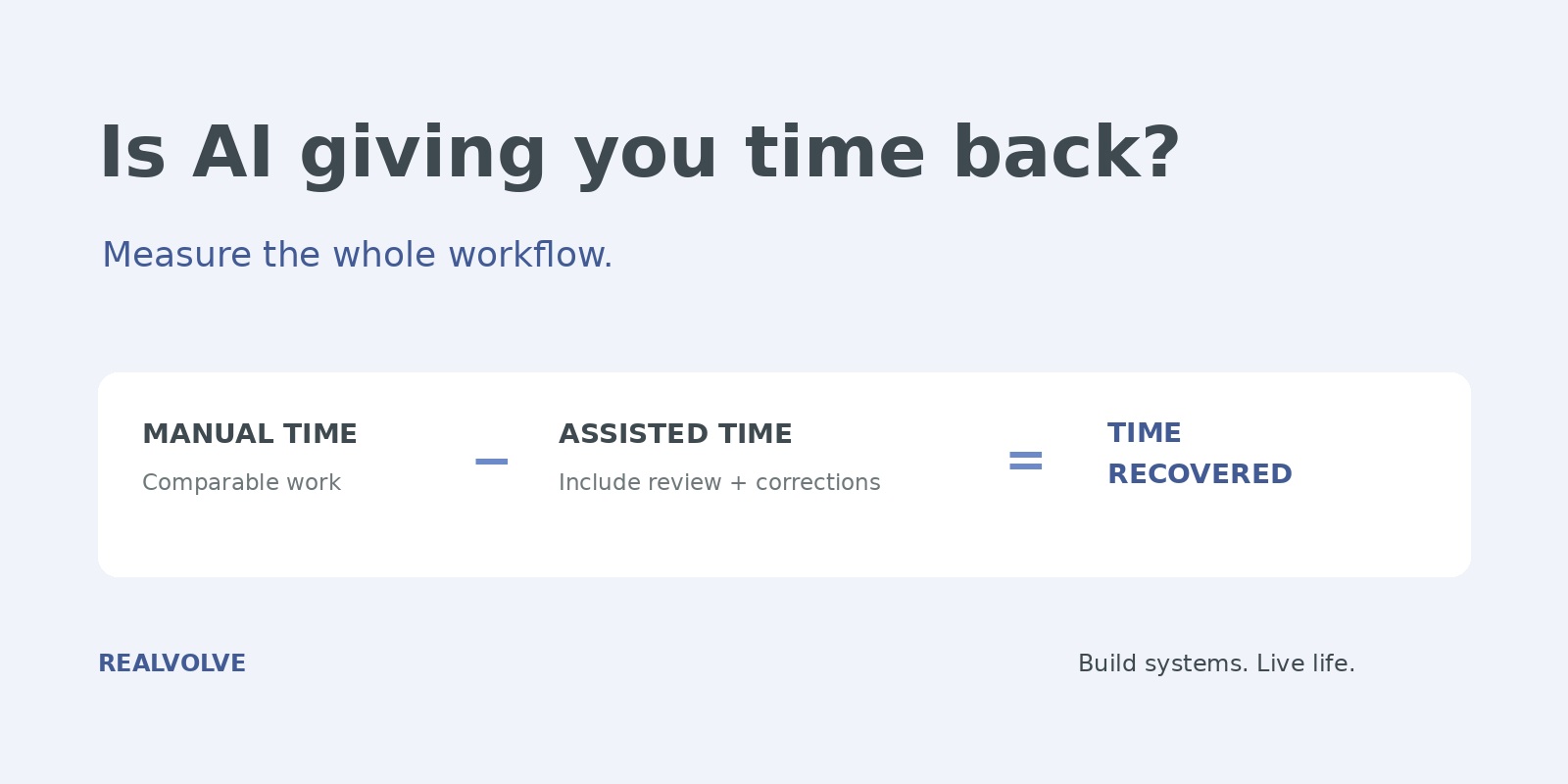
Net time recovered = comparable manual time minus all human time in the assisted process.
Keep setup and training time on a separate line so it doesn’t disappear. A rough first week can be worth working through, but you should be able to see whether the process improves. If the same correction keeps recurring, fix the instructions, the source information or the task choice before increasing volume.
Here’s an illustrative example, not a benchmark or a claim about any product. Suppose you prepare 20 updates a month at 12 minutes each: four hours. With assistance, gathering context, reviewing, correcting and recording each update takes five minutes. That’s 100 minutes, leaving 140 minutes recovered.
At an assumed value of $50 per hour for your time, those 140 minutes are worth about $117. If the tool adds $150 a month in cost, this task alone hasn’t covered that fee on a time-value basis. You’d need three hours of monthly savings at that hourly value, before accounting for setup.
That doesn’t settle the purchase. Better work or another useful application might justify the difference. It does keep the decision honest. And time valued at $50 an hour is not $50 arriving in your bank account. Cash savings occur only when an actual expense falls; revenue gains need their own evidence.
Give the recovered time a job
Before the trial, decide what you want the capacity for. Perhaps it’s a protected block for referral conversations. Perhaps it’s room to handle another client without stretching the team. Perhaps it’s finishing work at a reasonable hour.
Those are different outcomes, and all can matter. Measure the one you chose. If you wanted more relationship time, check whether those conversations happened. If you wanted less evening work, track when work actually stopped. Don’t assume that a shorter drafting task automatically changes the week.
For revenue-related work, keep the steps visible: a message sent, a meaningful reply, a consultation and a closed engagement are different events. A short trial can reveal whether the process is usable. It usually can’t establish the eventual return from a long real estate sales cycle.
Keep the useful parts. Fix the rest.
After two weeks, review the trial. That’s a practical checkpoint, not a scientifically validated testing period. Extend it if the sample is small or the work was unusual.
I’d expand a workflow when the output meets the standard, the net time savings are repeatable, and the cost fits the business. I’d narrow it when the tool helps with preparation but struggles with decisions. And I’d stop using it for a task when correction time repeatedly erases the benefit or important errors keep getting through.
Keep sensitive advice and client-specific judgment with the person responsible for them. Use approved tools and appropriate information. A faster process still needs a dependable place for its records, responsibilities and next actions.
That’s where Realvolve’s connected contacts, workflows and transactions fit naturally. They give recurring work a place to live. This measurement method is an operating practice you can use alongside your CRM; it isn’t a claim that Realvolve automatically calculates these savings.
The standard should apply to our tools, too. Bring one recurring job to a Realvolve walkthrough and look at the whole process, including what still needs your attention.
A useful system should leave you with more capacity and a clear understanding of where it came from. That’s a better reason to keep paying for it than a busy activity counter.
Sources
- Lofty, AI Index announcement, page dated November 12, 2026; body dateline November 16, 2026. Vendor announcement, accessed November 16.
- Lofty, AI Index and methodology, October 2026 edition, accessed November 16, 2026. Platform activity is recorded; manual task durations are estimates. The trial, decision rules and worked example above are Realvolve’s original analysis.